Old costs can hide in a familiar bill.
Review lines, services and equipment against what your team actually uses.
Business VoIP & Yealink phones · South Florida
Bring your phone bill. We’ll compare your current costs and discuss a business VoIP setup with Yealink desk phones, sensible call routing and hands-on setup support.
Compare costs, equipment and the support your team needs.
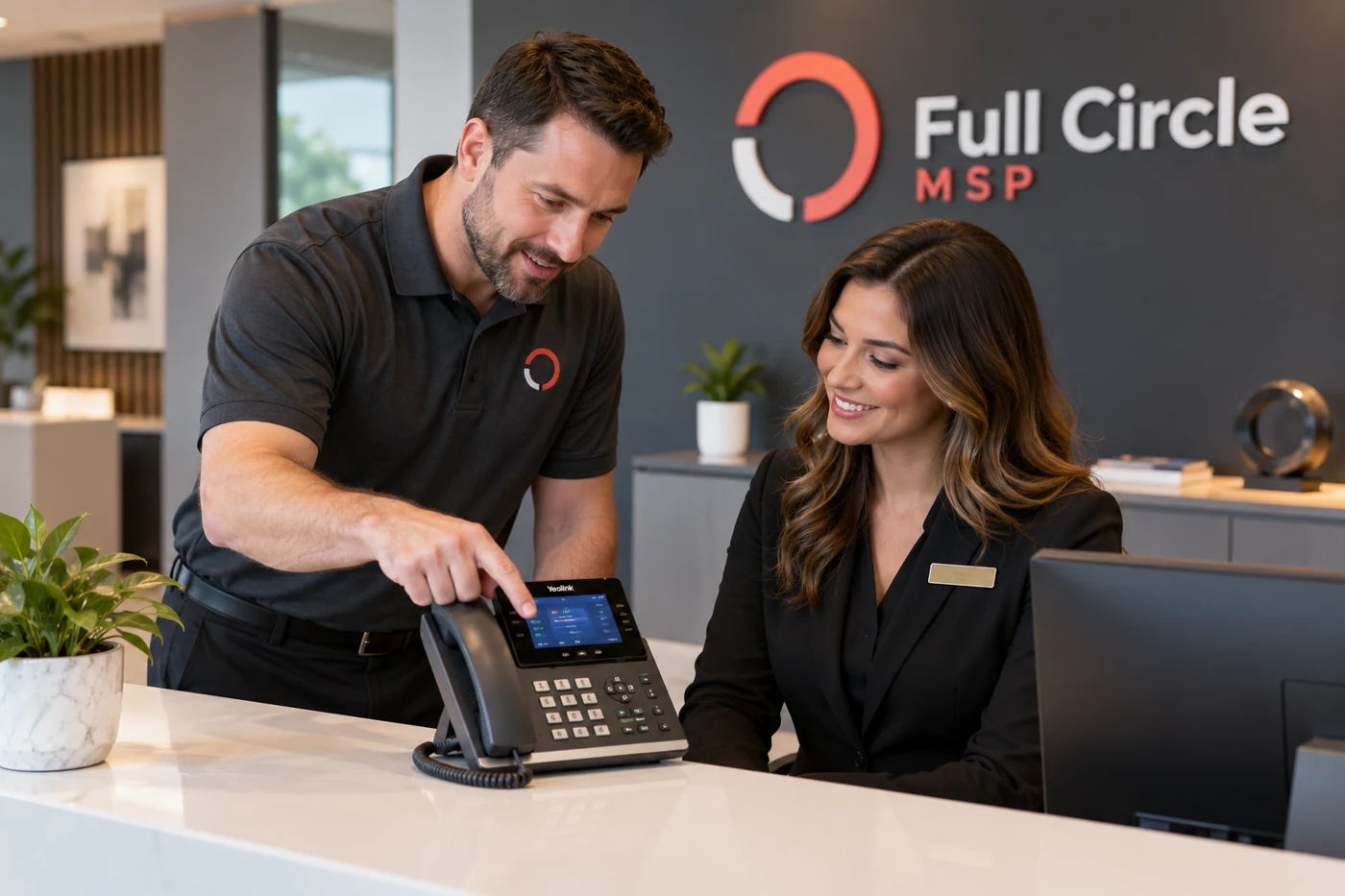
Let’s talk · Business VoIP & Yealink phones
Compare costs, equipment, routing and the support your team needs.
PHONE BILL & SYSTEM REVIEW
Review your current phone setup and the cost of a proposed replacement. Compare service, equipment and implementation together.
Yealink business desk phones
Explore desk-phone options alongside your call routing, staff needs and total cost. The Yealink T54W shown here is an example; the right equipment is confirmed in your proposal.
View Yealink T54W product details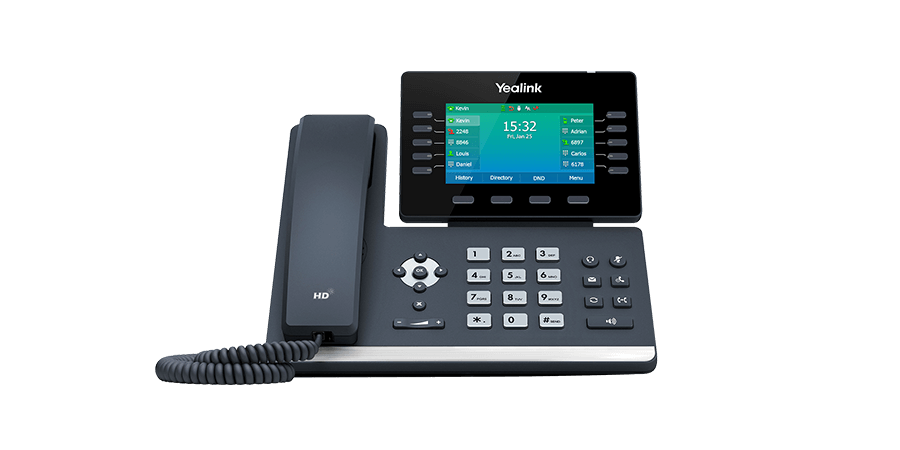
Find the value in your next phone plan
Enter your current monthly cost and a proposed quote. See the difference before deciding what fits.
Illustrative comparison, not a Full Circle quote or advertised discount. Include equipment and implementation when comparing offers.
Example values are editable. Your actual savings depend on a confirmed proposal.
Compare my actual phone billFollow the call
Start with the way your business works. Then connect the details that deserve a closer look.
Review lines, services and equipment against what your team actually uses.
Discuss business hours, departments, remote staff and how callers reach the right person.
Agree on equipment, number transfer, configuration, training and support before rollout.
What we’ll talk through
Bring your current setup, the problems you notice and what you want to change. We’ll discuss priorities and agree on an appropriate next step.
Request my phone cost comparisonSpecific services, deliverables and timing are agreed after we understand your needs.
What you’re getting
One coordinated conversation about numbers, phones, call flow and staff needs. Confirm the hands-on setup, training and support included in your package.
Current bill and proposed costs side by side
Yealink equipment and number-transfer questions
Setup, training and ongoing support scope

How to get started
Share your team’s needs and what prompted the review.
Discuss your existing setup, priorities and constraints.
Agree on the scope before any project or service begins.
Good to know
Ask about number-transfer eligibility, timing and any account requirements during the review. Confirm the details before making a change.
Compatibility depends on the equipment and proposed platform. Include your current phone models in the discussion.
Compare the complete costs, including service, equipment and implementation. Savings depend on your current setup and requirements.
Talk with Full Circle MSP
Tell us what’s happening today and what a better working day would look like.
Your next step
(954) 280-8324Email our teaminfo@fullcirclemsp.com
The email link opens your email app. Send your message there to reach our team.